

Robot Arms: The Complete Guide
Everything you need to know about robot arms: types, the specs that matter, live prices for the arms we sell, research vs industrial needs, and how to choose the right arm for your work.
From open-source desktop kits to industrial cobots, this guide covers what researchers, engineers and buyers need to know to select, specify and deploy a robot arm in 2026. Prices for the arms we sell update from our store automatically. For arms we do not sell, we quote the manufacturer's own published specs and link to them.
Already know what you want? Compare robot arms side by side, or see robot arm prices in 2026.
What Is a Robot Arm?
A robot arm (also called a manipulator or robotic arm) is a programmable mechanical device that interacts with objects in physical space. At its core it is a chain of rigid links connected by motorized joints, ending in a tool attachment point called the end-effector flange. The controller translates high-level commands (move to this position, follow this trajectory) into coordinated joint motions that put the end effector where it needs to be.
Robot arms are the workhorse of physical automation. They weld car frames, pick warehouse orders and assemble circuit boards, and they are increasingly the physical body for AI manipulation research.
Types of Robot Arms
Articulated arms are the most common type. Rotary joints, usually six or seven, form a serial chain that resembles a human arm. Six degrees of freedom (DOF) is the minimum to reach a point in 3D space at an arbitrary orientation. A seventh, redundant joint lets the elbow move without moving the end effector, which helps avoid obstacles. Examples: the 6-axis UFACTORY xArm 6, the 7-axis Franka Research 3, and the 7-DOF OpenArm.
SCARA arms (Selective Compliance Articulated Robot Arm) have two parallel rotary joints and one vertical prismatic joint. They are fast and rigid in the horizontal plane and compliant vertically, which suits pick-and-place and insertion on a flat surface. They cannot reach arbitrary orientations.
Delta (parallel) robots connect three or more parallel linkages to one moving platform. They are built for very fast, light pick-and-place within a small dome-shaped workspace, and are common in food packaging, pharmaceutical sorting and electronics.
Collaborative arms (cobots) are a safety category, not a mechanical type. A cobot is designed to work alongside people with appropriate risk reduction: limited force and speed, collision detection, and rounded shapes without pinch points. ISO/TS 15066 sets the force and pressure limits used to assess contact with people. Our robot arm vs cobot guide covers the difference in detail.
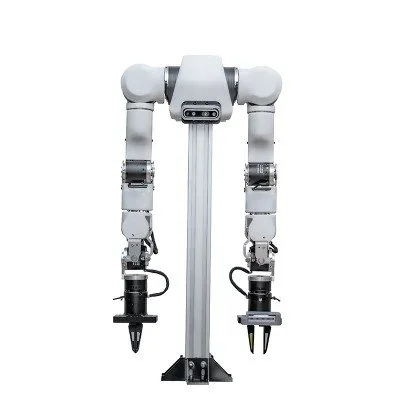
Bimanual systems pair two arms on a shared base for two-handed tasks such as folding, holding while assembling, and handing objects over. The ALOHA and Mobile ALOHA designs made low-cost bimanual research popular. See the ALOHA robot guide and our bimanual teleoperation hardware setup guide.
Key Specifications to Understand
Marketing material tends to lead with reach and payload. Repeatability and control access matter just as much in real work.
- Degrees of freedom (DOF): the number of independent joint axes. Six covers full spatial manipulation. Seven adds redundancy for obstacle avoidance. A seventh joint adds cost and planning complexity and does not help a simple, well-positioned pick-and-place task.
- Payload: the mass the arm can carry at the flange while meeting its rated performance. Ratings assume the load's center of mass is close to the flange, so long tools and offset grippers reduce the usable payload. Your gripper counts against it. Leave margin rather than running at the rated maximum.
- Reach: the distance from the base center to the flange. Check the manufacturer's working-range drawing, not just the headline number: positions near full extension, overhead and close to the base are often the hardest to use.
- Repeatability: how precisely the arm returns to a taught position, stated as ±mm. It is not absolute accuracy, which measures how close the arm gets to a Cartesian point it has never visited. Taught-point work depends on repeatability. Vision-guided work, where targets are computed, depends on accuracy and calibration.
- Control access and rate: how low-level and how fast you can command the arm. Franka's research interface runs torque, position or velocity control at 1 kHz (Franka). UFACTORY's xArm servo mode accepts streamed targets at up to 250 Hz (UFACTORY). For teleoperation and learned policies, check the streaming rate and whether commands are buffered.
- End-effector interface: the mechanical and electrical connection at the wrist. ISO 9409-1 flanges are the common standard, and many arms add a tool connector for power and serial communication. Confirm your gripper, camera or force/torque sensor mounts directly or with an off-the-shelf adapter.
- Software interface: ROS 2 drivers, Python or C++ SDKs, Modbus, EtherCAT or a proprietary API. For research, a maintained ROS 2 driver with recent commits is close to mandatory.
Robot Arms We Sell in 2026
The arms below are the ones researchers ask us about most. Specs come from each product page or the linked manufacturer page. Prices are live.
| Arm | DOF | Payload | Reach | Repeatability | Price | Best For |
|---|---|---|---|---|---|---|
| SO-101 | 6 | not published | not published | not published | $500.00 | Learning, LeRobot data collection, teaching |
| AgileX PiPER | 6 | 1.5 kg | 626 mm | 0.1 mm | $3,500.00 | Lightweight research and mobile bases |
| OpenArm | 7 (+ gripper) | 2 kg | 700 mm | not published | $7,000.00 | Teleoperation, imitation learning, open hardware |
| UFACTORY xArm 6 | 6 | 5 kg | 700 mm | ±0.1 mm | $9,500.00 | General research and light automation |
| UFACTORY xArm 7 | 7 | 3.5 kg | 700 mm | ±0.1 mm | $11,798.00 | Redundant-joint manipulation |
| UFACTORY 850 | 6 | 5 kg | 850 mm | ±0.02 mm | $10,500.00 | Longer reach, tighter repeatability |
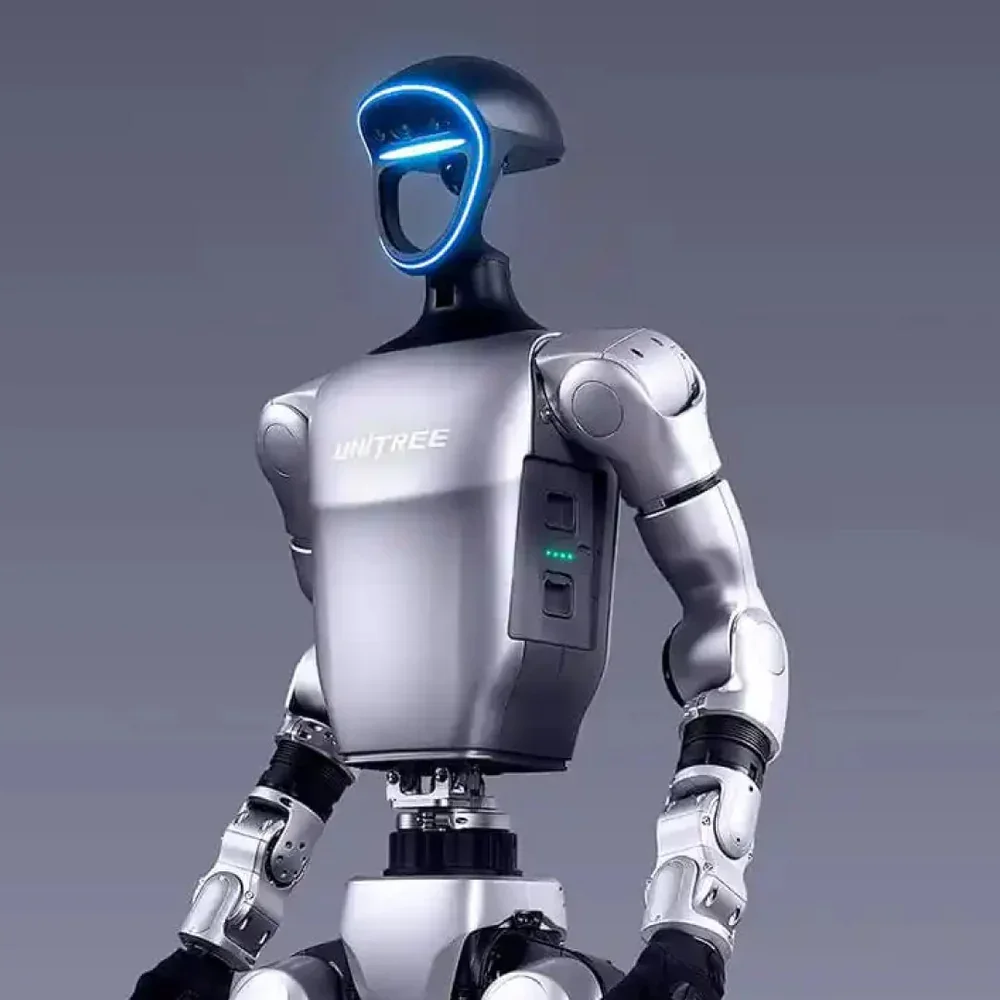
| Unitree Z1 | 6 | ≥ 3 kg | 740 mm | ~0.1 mm | $20,799.00 | Arms for mobile robots |
| Kinova Gen3 7DOF | 7 | 4 kg | 902 mm | not published | $38,696.00 | Research and automation |
Sources: the SO-101 page, the PiPER, Z1 and Kinova Gen3 listings, the OpenArm project and our OpenArm listing, and UFACTORY's xArm and 850 pages.
Two reference arms we do not sell. Franka Research 3 is a 7-axis arm with a torque sensor in every joint, 3 kg payload, 855 mm reach and under ±0.1 mm repeatability, sold by quote (Franka). Universal Robots' e-Series spans the UR3e (3 kg, 500 mm), UR7e (7.5 kg, 850 mm) and UR12e (12.5 kg, 1300 mm), with ±0.03 to ±0.05 mm repeatability (Universal Robots).
Robot Arm Cost Guide
Robot arm pricing falls into a few broad tiers, and the arm is only part of the system cost. Budget for end effectors, cameras, mounting, integration time and software at the same time. Our robot arm pricing guide goes into each tier in detail.
Tier 1: Open-Source and Educational
Arms in this tier use hobby or mid-range servos (for example Feetech STS3215 bus servos on the SO-101), with 3D-printed or aluminium structures. They suit learning, algorithm development and collecting small demonstration datasets. The SO-101$500.00 is the usual starting point and works with Hugging Face's LeRobot framework. Desktop arms such as the myCobot 280 Pi$799.00 serve classrooms.
Tier 2: Research Entry
Lightweight 6- and 7-axis arms with real payloads and maintained SDKs: the AgileX PiPER$3,500.00, the OpenArm$7,000.00, and the UFACTORY Lite 6From $3,500.00 for teaching. OpenArm adds compliant, backdrivable joints with gravity compensation (openarm.dev), which matters for teleoperation and contact-rich data collection.
Tier 3: Research-Grade and Light Industrial
Arms with industrial-style drives, higher payloads and tighter repeatability: the xArm 6$9,500.00, xArm 7$11,798.00 and UFACTORY 850$10,500.00, the Unitree Z1$20,799.00 for mobile robots, and the Kinova Gen3$38,696.00. Franka Research 3 also sits here for torque-controlled research, sold by Franka by quote.
Tier 4: Industrial Collaborative
Cobots built for production cells, such as the Dobot CR5Request a Quote and Dobot Nova 5Request a Quote, and Universal Robots' e-Series. Expect safety integration, certified accessories and integrator support to be part of the purchase.
Tier 5: High-Payload Industrial
Large articulated arms with payloads from tens to hundreds of kilograms. They are not collaborative: they need safety fencing and dedicated workcells, and they are bought as part of an integrated cell.
The Hidden Costs
Buyers consistently underestimate these line items:
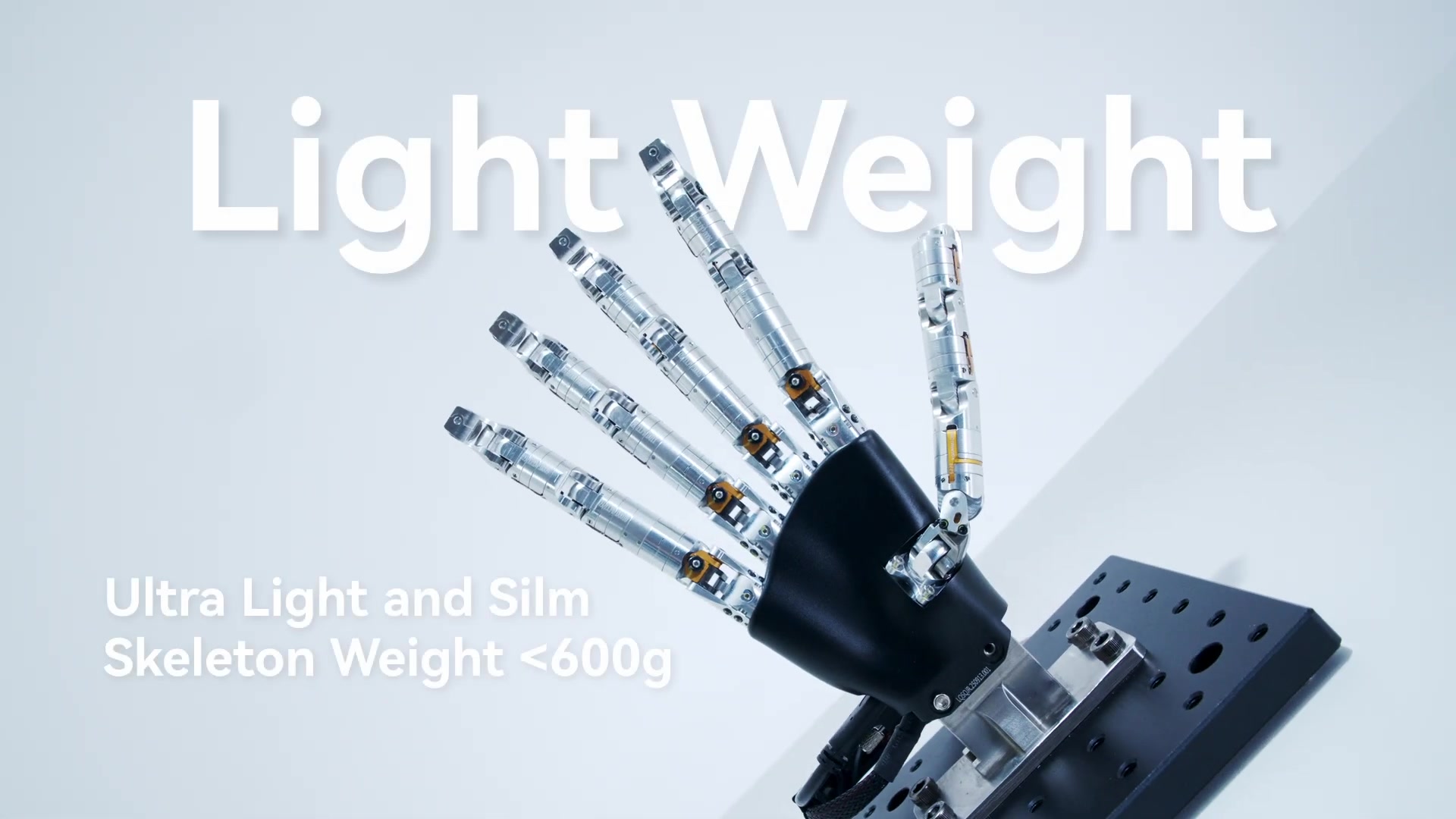
- End effectors: a parallel gripper such as the Robotiq 2F-85$5,990.00 or the xArm Gripper$2,500.00, or a dexterous hand from our dexterous hands guide. Decide this before the arm, because the gripper's weight comes out of the payload.
- Cameras and sensors: wrist and scene cameras such as the Intel RealSense D405 (current store price: $450.00 each; two or three is typical), and a wrist force/torque sensor such as the UFACTORY 6-axis F/T sensor$3,500.00 for contact tasks.
- Integration time: mounting, calibration, safety configuration and commissioning for a specific task take engineering weeks, not days. Count your own team's time even when no integrator is involved.
- Software: open-source stacks (ROS 2, MoveIt 2, LeRobot) are free. Some manufacturers sell advanced features such as force control or vision packages as paid add-ons.
- Maintenance: spare grippers, cables and actuators, and for industrial arms, service contracts.
Research vs. Industrial Use Cases
Research and industrial deployments need different things, and an arm optimized for one often frustrates the other.
Research Requirements
- Low-level control access: researchers often need to send torque or velocity commands at high rates. Franka's FCI exposes joint torque control at 1 kHz. Many industrial arms only expose position control through a high-level API.
- ROS 2 compatibility: check for a maintained driver with recent commits, MoveIt configurations and simulation models (URDF, MuJoCo, Isaac Sim).
- Teleoperation support: if you will collect demonstrations through teleoperation, confirm the arm accepts streamed targets at your rate without buffering, and check for leader-follower options.
- Fast reconfiguration: labs change setups often. Arms that need dedicated mounting, hard-wired safety circuits or a teach pendant for every change slow iteration down.
Industrial Requirements
- Reliability and uptime: proven hardware, local service and spare parts within days, not weeks.
- Safety compliance: ISO 10218 and ISO/TS 15066 apply to collaborative applications. Every cell needs a risk assessment.
- Integrator ecosystem: for companies without in-house robotics engineers, the availability of integrators and certified accessories is often the deciding factor.
- Cycle time: production cares about parts per hour under a defined payload and path, which manufacturers specify for industrial arms.
How to Choose the Right Arm for Your Use Case
Use this framework to narrow dozens of options to two or three worth evaluating in detail.
Step 1: Define your task envelope
Sketch the workspace. Measure the farthest point the tool must reach, weigh the heaviest object plus the gripper, and decide which approach angles you need: from above, from the side, from below. If any task point sits near full extension, choose a longer arm or move the base.
Step 2: Determine your control needs
Position control only (move to a point, follow waypoints): nearly any arm works. Contact-rich tasks need force feedback, either joint torque sensing (Franka Research 3) or a wrist force/torque sensor added to an arm such as the xArm. Compliant, backdrivable joints (OpenArm) help with teleoperation and safe contact. For simplicity in a production cell, look at the arm's graphical programming tools.
Step 3: Match your budget to total system cost
Price the gripper, cameras, mounting and integration alongside the arm. In Tier 1 the SO-101$500.00 is the main option; in Tier 2, the PiPER$3,500.00 and OpenArm$7,000.00. Robot arm prices in 2026 has worked examples.
Step 4: Verify the software ecosystem
Before buying, confirm a maintained ROS 2 driver exists, find at least a few published projects using the arm for a task like yours, check there is an active community, and make sure simulation models are available.
Step 5: Test before committing
Run your actual task on the arm before you buy a fleet. Leasing gives you short-term access to evaluate, and our San Francisco lab can host a demo.
Getting Started with Robotics Center
Robotics Center supports researchers and companies at every stage:
- OpenArm: an open-source 7-DOF research arm with documentation, ROS 2 support and teleoperation tooling. The OpenArm learning path takes you from unboxing to a trained policy.
- DK1 bimanual kit: a LeRobot-native bimanual system with 7 DOF per arm, ready for data collection.
- UFACTORY xArm guide: prices, specs, setup and error codes for the xArm family.
- Leasing: try before you buy, with setup support.
- Compare robot arms: every arm we sell, side by side.
Need Help Choosing a Robot Arm?
Robotics Center helps research labs and companies select, lease and deploy robot arms, from open-source kits to industrial cobots.