

Unitree H1, H1-2 and H2: Price, Specs and Setup Guide (2026)
What separates Unitree's full-size humanoids (H1, H1-2 and the newer H2), live US prices for each, cited specs, first-day setup and the faults owners hit most.
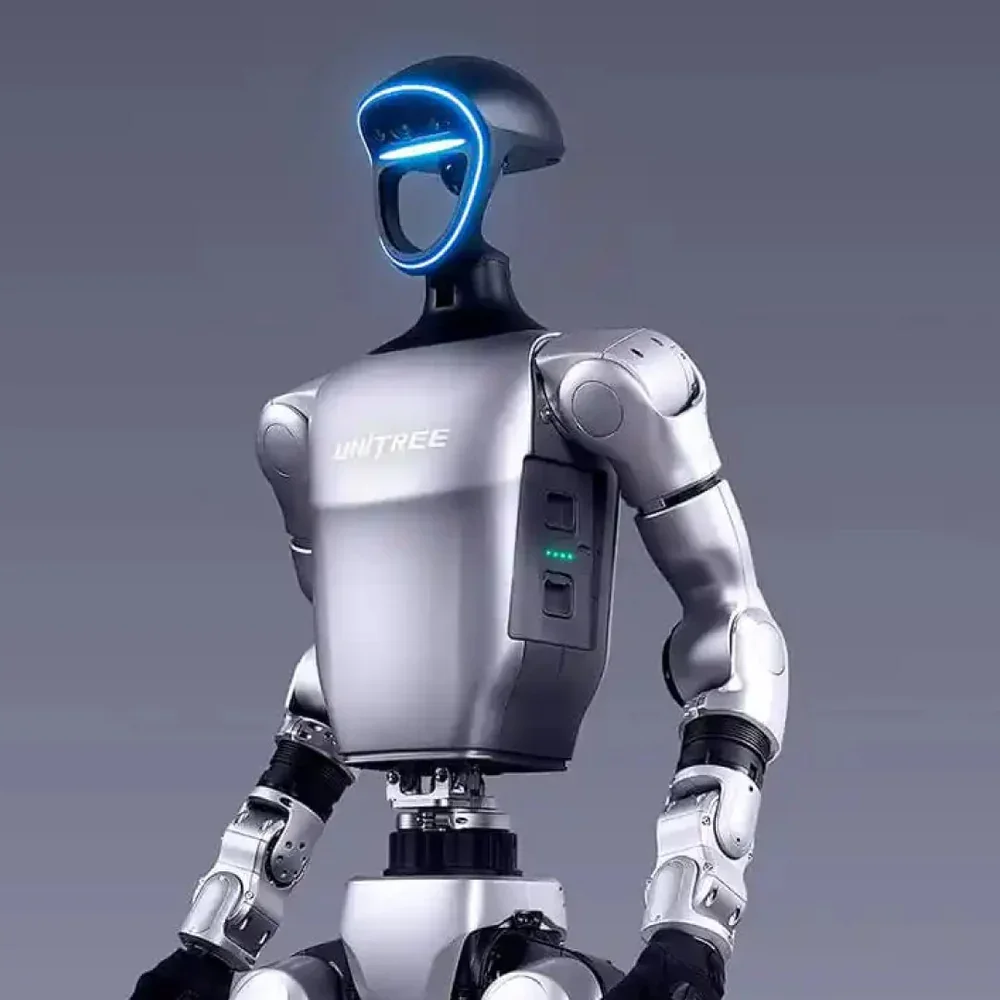
The Unitree H1 is a full-size humanoid, about 180 cm tall, built for dynamic locomotion and whole-body control research at human scale. Unitree now sells three full-size bodies: the original H1, the manipulation-focused H1-2, and the newer H2. This guide explains what each one adds, shows what each costs from our US store today (prices update from the store automatically), and covers the first-day setup and the problems teams run into most.
Short answer: buy the H1 if your research is fast bipedal locomotion; buy the H1-2 if you need 7-DoF arms on the H1 frame; look hard at the H2 first if you are starting fresh, because it is the newest full-size Unitree body and the base model costs a fraction of an H1. If you will write code against an H2, buy an EDU-class H2: Unitree lists secondary development only on the H2 EDU.
Unitree H1, H1-2 and H2 prices in the US (live)
| Model | Our price | Who it is for |
|---|---|---|
| Unitree H1 | $99,800.00 | Locomotion and whole-body control research at full height |
| Unitree H1-2 | $128,800.00 | H1 frame with 7-DoF arms and 2-DoF ankles, for loco-manipulation |
| Unitree H2 | $40,800.00 | Newest full-size body; base model has no secondary development |
| H2 Edu | $68,800.00 | EDU-class H2 for development |
| H2 Edu Smart | $66,700.00 | EDU-class H2 with dummy hands; compute boards and hands added to order |
| H2 Plus Ultimate | $83,500.00 | EDU-class H2 with an NVIDIA Jetson Thor computing board onboard |
H2 configurations are fitted to order: hands, grippers and compute boards are separate line items. Each product page lists what ships today; if a component matters to your project, ask us to confirm the configuration in writing before you order.
Why a US price differs from Unitree's list price. Unitree's H2 page lists the base H2 at $29,900 with tax and shipping excluded, and asks EDU buyers to contact sales. That figure is not directly comparable with a US store price. Unitree does not publish an H1 or H1-2 price on its H1 page.
Specs side by side
From Unitree's H1 / H1-2 page and H2 page:
| H1 | H1-2 | H2 | |
|---|---|---|---|
| Height | ≈180 cm | ≈178 cm | 182 cm (1820 × 456 × 218 mm) |
| Weight | ≈47 kg | ≈70 kg | ≈70 kg with battery |
| Degrees of freedom | 5 per leg, 4 per arm (expandable) | 27 total: 6 per leg, 7 per arm | 31 total: 6 per leg, 7 per arm, 3 waist, 2 head |
| Peak joint torque | Knee ≈360 N·m, hip ≈220, ankle ≈59, arm ≈75 | Knee ≈360 N·m, hip and waist ≈220, ankle ≈75 × 2, shoulder and elbow ≈120 | Leg 360 N·m, arm 120 N·m |
| Arm payload | Not published | Peak ≈21 kg, rated ≈7 kg | Peak ≈15 kg, rated ≈7 kg |
| Speed | 3.3 m/s (Unitree's record figure) | Under 2 m/s | Not published |
| Battery | 15 Ah (0.864 kWh), 67.2 V max, quick-swap | Same as H1 | 15 Ah (0.972 kWh), 75.6 V max, quick-release; ≈3 h |
| Compute | Intel Core i5 (platform) + Core i7 (user development); Orin NX and others optional | Same, up to 3 optional compute devices | Core i5 platform PC; EDU adds a Core i7 development PC and high-power modules such as Jetson Thor |
| Perception | 3D LiDAR + depth camera | 3D LiDAR + depth camera | Wide-field binocular head camera, microphone array |
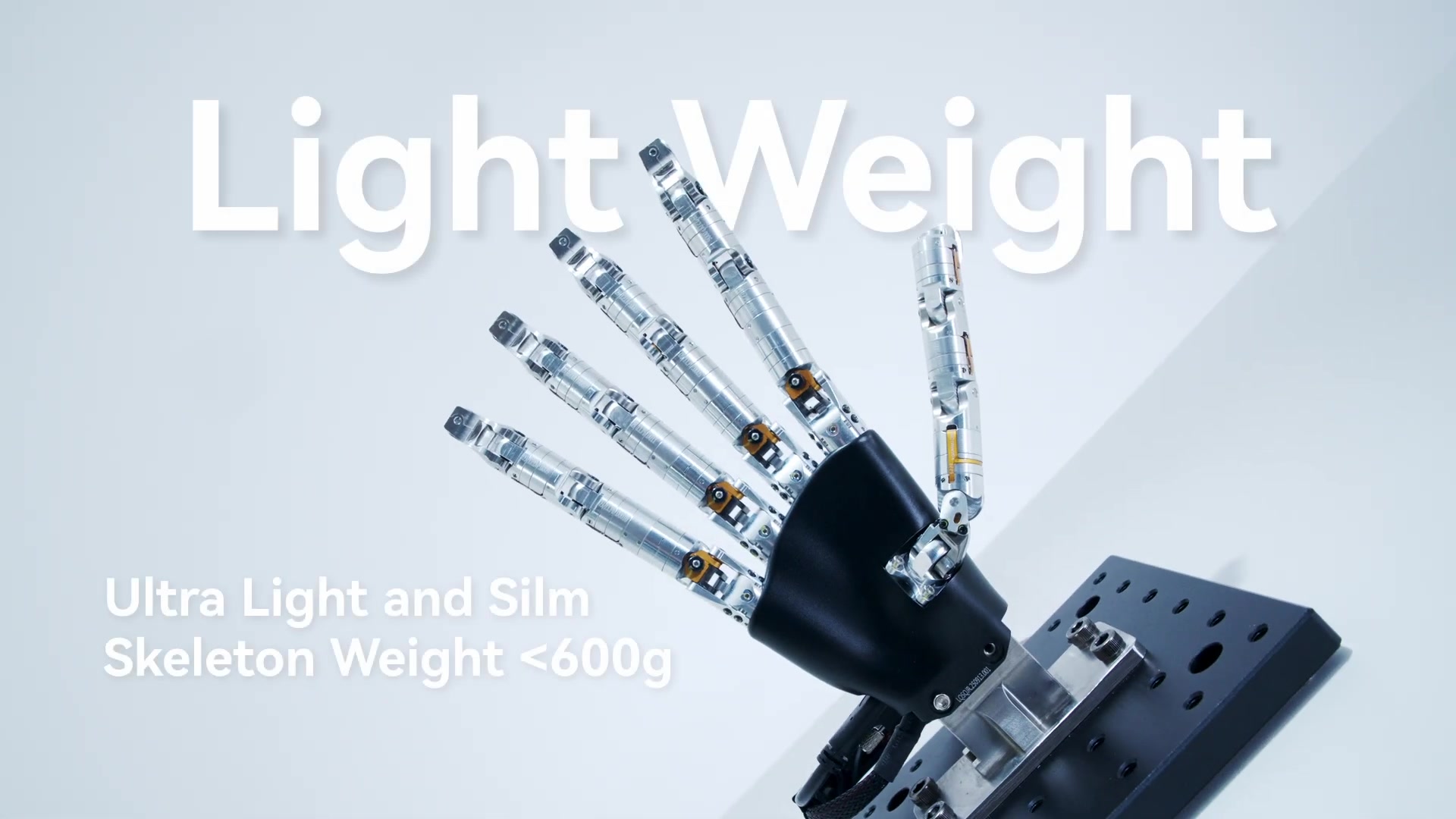
| Hands | Optional | Optional (Dex5-1 and others) | Optional on EDU (multiple models) |
| Secondary development | Yes (user development PC) | Yes | EDU only |
| Warranty (Unitree) | Not listed | Not listed | 8 months (H2), 12 months (H2 EDU) |
Three things matter more than any single line:
- H1 is the runner, H1-2 is the worker. The H1's 4-DoF arms are fine for balance and gestures but limited for manipulation. The H1-2 trades speed for 7-DoF arms, 2-DoF ankles and about 23 kg more mass.
- H2 changes the sensor story. H1 and H1-2 ship with a 3D LiDAR and a depth camera. Unitree's H2 spec table lists a binocular head camera instead. If your stack depends on LiDAR mapping, plan to add it or stay on H1-class hardware.
- Development access decides the H2 tier, exactly as with the Go2. A base H2 is not open to secondary development, so a lab writing its own controllers needs an EDU-class unit.
Which full-size Unitree should you buy?
- Bipedal locomotion and RL research: H1. It is the lightest and fastest of the three, and Unitree's open unitree_rl_gym ships training and real-robot deployment configs for both H1 and H1-2.
- Teleoperated manipulation and data collection: H1-2 or an EDU-class H2. Unitree's xr_teleoperate supports Apple Vision Pro, PICO 4 Ultra Enterprise and Meta Quest 3 on the H1 (4-DoF arm), H1-2 (7-DoF arm) and H2.
- Demos, events and reception: a base H2. It has the bionic head and voice interaction, and nothing to program.
- Smaller budget or smaller lab: the Unitree G1 is 132 cm and about 35 kg, much easier to handle, and costs far less. Compare it with the H1 in G1 vs H1.
First day with an H1, H1-2 or H2
- Prepare the space before the robot arrives. You need a clear, flat, non-slip floor, room to walk the robot with at least an arm's length of clearance on every side, and a way to suspend it. A full-size humanoid weighs 47 to 70 kg; when it falls it damages itself and whatever it hits. A gantry or hoist (the H2 protective bracket for the H2) lets you power on and test with the feet just off the ground.
- Charge every battery fully. A full charge avoids a shutdown in the middle of the first firmware update. Buy a spare H2 battery if sessions will run longer than one pack.
- Power on suspended and follow Unitree's startup sequence. The user manual gives the controller sequence for each model. Practise the stop and damping commands on the remote until everyone who handles the robot can do them without looking.
- First walk with a spotter. Lower the robot, let it stand under the built-in controller, and walk it slowly with one person on the remote and one on the hoist or safety line. Do not try stairs, slopes or fast gaits in the first week.
- Set up the development host. Install unitree_sdk2 (C++, with H1 and H2 examples) or unitree_sdk2_python, plus unitree_ros2 if you use ROS 2, on an Ubuntu machine wired to the robot. Read the robot's state first, then run Unitree's high-level examples unchanged before writing your own code. Unitree's documentation center is the reference for the current SDK.
- Simulate before you deploy. Train or test policies in simulation first. unitree_rl_gym goes from Isaac Gym training to a MuJoCo check to the real robot.
- Log from day one. Record joint states, IMU, video and operator notes for every session. Diagnosing a fall later is far easier with data than from memory.
Common problems and what to check first
- The SDK examples cannot see the robot. Usually the PC's wired interface is not on the robot's subnet, or the example was given the wrong network interface name. Fix the IP configuration, then re-run the example unchanged.
- The robot collapses or jerks when a low-level example starts. Joint-level control takes over from the built-in balance controller. Run low-level code only with the robot suspended, and start from Unitree's examples with their gains.
- H1-2 ankle commands behave unexpectedly. The H1-2 ankle is a parallel mechanism. Unitree's SDK offers a "PR mode" that exposes equivalent pitch and roll joints; its H1-2 ankle note explains the conversion.
- Short sessions. Check battery state before suspecting a fault. Fast gaits, payloads and long periods of standing under load all cut runtime. Plan sessions around battery swaps rather than one long run.
- App or controller features missing on a new unit. The robot firmware and the app are out of step. Update both over a stable network, then restart the robot.
FAQ
How much does a Unitree H1 cost in the US? $99,800.00 in our store today, and $128,800.00 for the H1-2. The newer H2 starts at $40,800.00; EDU-class H2s cost more because they add development access and compute. Every humanoid we sell is priced in the humanoid robot price guide.
H1 or H2? The H1 is lighter (≈47 kg against ≈70 kg), has the highest published walking speed of the three, and carries a 3D LiDAR and depth camera. The H2 is the current Unitree full-size body, with more degrees of freedom (31), a quoted runtime of about 3 hours per pack and a much lower entry price. For new manipulation work, compare an EDU-class H2 with the H1-2.
Is the H1 open to my own code? Yes. The H1 and H1-2 include a user development PC alongside the platform PC. For the H2, Unitree lists secondary development on the EDU version only.
Is the H1 affected by the FCC Covered List? On July 28, 2026 the FCC added foreign-produced "advanced robotic devices", which it defines as mobile robots such as humanoids and quadrupeds, to its Covered List. According to the FCC fact sheet, the update "does not prohibit the import, sale, or use of any existing models" the FCC previously authorized, and it "does not affect any previously purchased devices." New models generally cannot receive FCC authorization. If compliance matters for your organization, ask us for the FCC ID of the exact configuration before you order.
How long is the lead time? Each product page shows current availability and the delivery estimate.
Can I lease or try one first? Yes. See leasing, or contact us to arrange a visit to our San Francisco lab.