







Wuji Hand 2
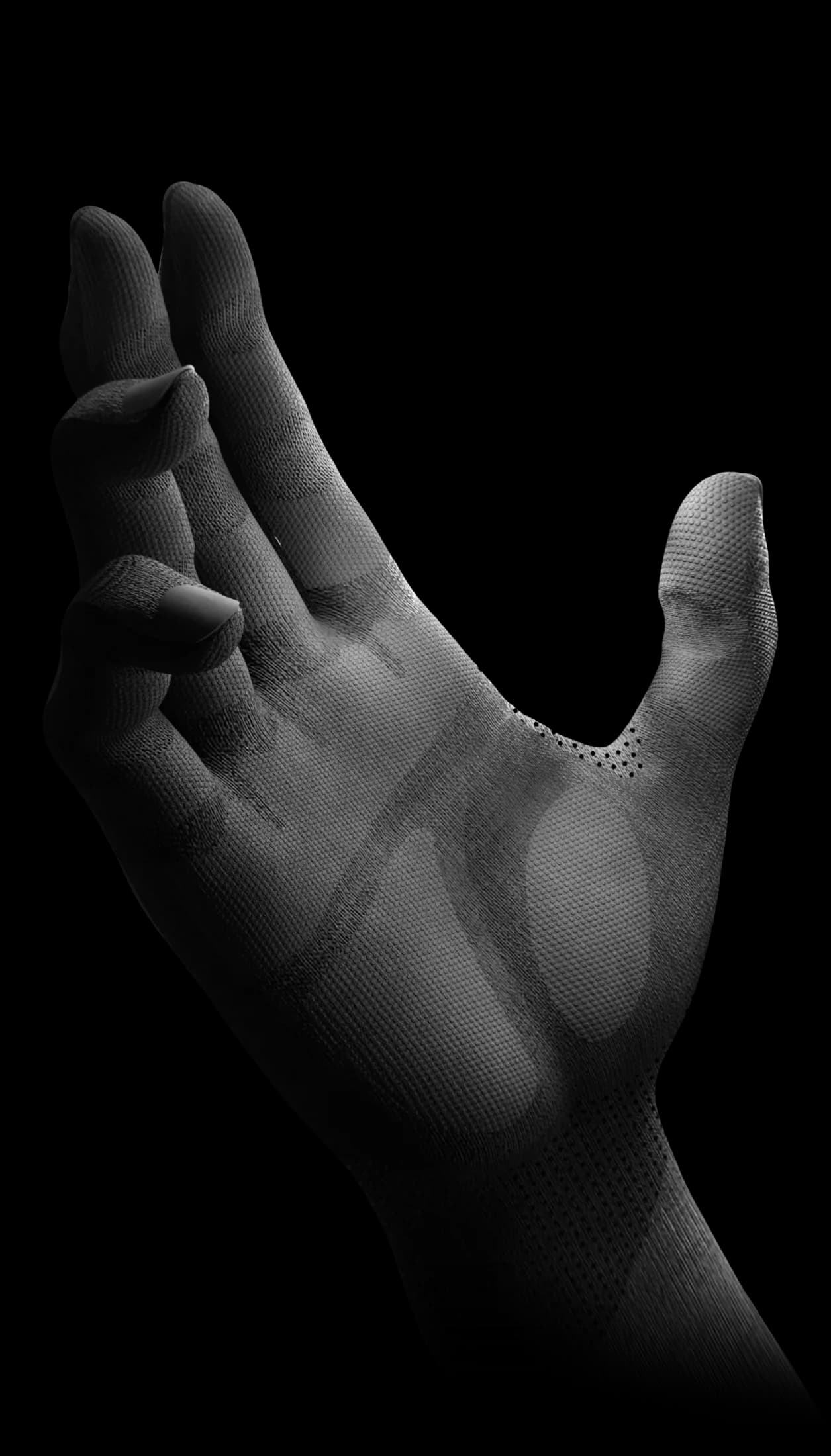
Wuji Hand 2 is a 20-DOF dexterous robot hand for manipulation research, teleoperation and imitation learning. Robotics Center is an authorized Wuji distributor offering US-based demos, integration and technical support.
Full Hardware Specs
| Vendor | Wuji Robotics |
| Total DOF | 20 (5 fingers x 4 joints each) |
| Actuation Type | Tendon-driven, brushless DC motors |
| Tactile Pressure Map | 24 rows x 32 columns (768 taxels, float [0, 1]) |
| Additional Sensors | 6-axis IMU, EMF per-finger channel |
| Payload (power grasp) | ~1.5 kg |
| Finger Tip Force | ~3 N per finger |
| Stroke (finger curl) | ~90 deg per joint |
| Weight | ~420 g (hand unit) |
| USB Vendor ID | 0x0483 (default) |
| Interface | USB HID / Serial |
| SDK | wujihandpy (Python 3.8+) |
| Stream Format | JSONL (one JSON object per line, stdout) |
| Default Stream Hz | 30 Hz (configurable with --hz, max 100 Hz) |
| Communication | USB Serial / ROS2 topic bridge |
| IP Rating | IP20 (indoor use) |
| Operating Temp | 0 - 40 C |
Dexterous Hand Comparison
| Feature | Wuji Hand | Shadow Hand | Allegro Hand | Leap Hand |
|---|---|---|---|---|
| DOF | 20 | 24 | 16 | 16 |
| Fingers | 5 | 5 | 4 | 4 |
| Tactile | 768 taxels (included) | BioTac (add-on) | None stock | None stock |
| IMU | 6-axis (included) | Optional | No | No |
| Stream Rate | 30-100 Hz | 1 kHz | 333 Hz | ~50 Hz |
| Weight | ~420 g | ~4.2 kg | ~1.1 kg | ~600 g |
| Approx. Price | Contact for quote | $100K+ | $15K+ | ~$2K (DIY) |
| Best For | Teleop data collection | High-fidelity research | Torque-intensive tasks | Low-cost experiments |
Compatible Robot Arms
The Wuji Hand mounts to any arm with a standard flange adapter. Tested and supported on these platforms.
OpenArm 1
Primary integration partner. Bolt directly to the OpenArm wrist flange. Both devices register in the same Fearless Platform session for synchronized data capture.
Universal Robots UR5e
Wuji adapter plate available for UR tool flange. USB cable routes through the arm's cable management channel. Tested at Robotics Center San Francisco lab.
Kinova Gen3 / Gen3 Lite
Custom 3D-printed adapter connects to Kinova tool plate. JSONL stream runs alongside Kinova's ROS2 driver for joint-synchronized recording.
Built for Teleoperation & Policy Learning
The Wuji Hand provides a rich sensor state representation suitable for training manipulation policies that generalize across grasp types and object geometries.
Contact-Rich Manipulation
768-point tactile map plus 20 joint positions give a detailed state for tasks like peg insertion, deformable object manipulation, and in-hand regrasping.
Imitation Learning Data
JSONL frames captured at 30 Hz stream directly to the Fearless Platform episode browser. Export as JSONL for ACT, Diffusion Policy, or any custom pipeline.
Bilateral Teleoperation
Run two agent processes simultaneously -- one per hand -- connected to the same session for bimanual data collection at full resolution.
Works with OpenArm 1, DK1 Bimanual Kit, and other Robotics Center hardware.
Tactile Sensing Integration
The Wuji Hand's 768-taxel pressure map (24x32 grid) provides spatial contact information that goes far beyond binary contact detection.
Slip Detection
Monitor pressure distribution changes in real-time. When contact centroid shifts, the policy can tighten the grasp before the object slips.
Object Shape Estimation
The 768-point pressure map creates a contact silhouette of the grasped object. Useful for category-level grasping policies that adapt to unseen geometries.
Paxini Sensor Upgrade
For research requiring 6-axis F/T resolution, mount Paxini GEN3 sensors on individual fingertips alongside the built-in tactile map.
ROS2 & Python SDK
Python SDK -- JSONL Streaming
ROS2 Node (Humble / Iron)
Collecting Dexterous Manipulation Data
The Wuji Hand is purpose-built for recording high-dimensional teleoperation demonstrations. Here is the typical workflow.
1. Mount & Calibrate
Attach Wuji Hand to your robot arm. Run the calibration script to map operator hand to robot hand kinematics. Takes ~10 minutes per operator.
2. Record Episodes
Use the browser-based GloveWorkbench or wuji_glove_agent to record demonstrations. Each frame captures 20 joints + 768 tactile + IMU + camera at 30 Hz.
3. Train Policies
Export episodes as JSONL. Load directly into ACT, Diffusion Policy, or any imitation learning pipeline. The Robotics Center data platform handles format conversion.
Your Setup Journey
From unboxing to your first teleoperation session. Plan for about 20-30 minutes.
Unbox & USB Connect
Plug in via USB, confirm device at VID 0x0483
Install SDK
pip install wujihandpy numpy, verify device appears
Start JSONL Stream
Run wuji_hand_sdk_stream.py, verify frames at 30 Hz
Pair with Robot & Calibrate
Launch wuji_glove_agent, register with platform session
First Teleoperation Session
Record demonstration episodes; view tactile heatmap live in GloveWorkbench
Research Applications
Dexterous Grasping Policies
Train diffusion policies or RL agents with 20 joint + 768 tactile observations. The high-dimensional state enables generalization across object categories.
Tactile-Conditioned Manipulation
Use the 24x32 pressure map as a visual input to CNN-based policies. Treat tactile frames as grayscale images for transfer learning from vision models.
Sim-to-Real Transfer
Wuji Hand URDF models are available for MuJoCo and Isaac Sim. Train in simulation with domain randomization, then deploy on real hardware.
Services for Wuji Hand
Data Collection Service
Robotics Center operators collect dexterous manipulation demonstrations at our San Francisco or Allston labs. You receive cleaned, platform-ready episodes.
Hardware Leasing
Lease the Wuji Hand on a monthly basis. Includes SDK access, firmware updates, and priority support. Cancel anytime.
Repair & Calibration
Tendon replacement, tactile sensor recalibration, and general maintenance. Typical turnaround: 5 business days.
Guides & SDK Docs
Related Guides
Community
Pricing & Availability
Ships to the US and 30+ countries; contact us for other destinations. Pricing depends on configuration, quantity, and integration requirements. Contact Us.
Wuji Teleoperation Glove
Per-finger tracking glove designed for the Wuji Hand. <10ms latency, collect imitation learning episodes in minutes. See the product page for current pricing, shipping, and availability.