




Robot Deployment and Safety Guides: From Risk Assessment to Fleet Operations
The guides to read at each stage of putting a robot to work: risk assessment and safety standards, pilot programs, go-live checklists, monitoring and fleet management, maintenance, calibration and incident response.
A robot that works in the lab is not yet a robot that works in production. Between the two sit a risk assessment, a pilot, a go-live checklist, and the monitoring, maintenance and incident plans that keep it running. This hub links the guide for each stage, in the order you need them.
If you are deploying for the first time, read these three:
- Robot safety risk assessment: identify the hazards, score them and choose the safeguards before anything moves.
- Collaborative robot safety standards: what ISO 10218 and ISO/TS 15066 require when people and robots share a workspace.
- Robot deployment checklist: hardware, software, safety, people and go/no-go criteria for moving from lab to production.
1. Assess the risk
Every deployment starts with a written risk assessment: what can move, how fast, with what force, near whom, and what happens when it fails. The risk assessment guide walks through the assessment steps, hazard types, safeguarding options, emergency-stop design and the documentation to keep. The 12-point pre-deployment safety checklist is a shorter list for a final walk-through.
2. Know which standards apply
In the US, OSHA states that "there are currently no specific OSHA standards for the robotics industry". Instead it points employers to consensus standards, including ANSI/RIA R15.06 (the US adoption of ISO 10218-1 and -2), ISO/TS 15066 for collaborative robots and ANSI/UL 1740 (OSHA robotics standards). General duty and machine-guarding obligations still apply. Our collaborative robot safety standards guide explains what those standards ask of an integrator and what to document.
3. Run a pilot
Before you commit to a fleet, prove the robot on the real task, in the real space, with the people who will run it. Agree the success metrics before the pilot starts, not after. The robot pilot program describes how we scope and run a time-boxed enterprise pilot. For logistics, see the warehouse automation pilot and the warehouse robot deployment checklist. If the pilot hardware should not be a purchase yet, lease it.
4. Go live
The robot deployment checklist takes a deployment from site survey through safety assessment, infrastructure, software, integration testing, operator training and monitoring to go-live and incident response. Two things are worth settling in writing before go-live:
- Calibration. Record the calibration state at go-live (camera intrinsics and extrinsics, hand-eye calibration, joint zero positions) and decide what triggers a recalibration: a collision, a remount, a drift in task success.
- Incident response. Write down who stops the robot, how, who is told, and what is logged, before the first incident rather than during it.
For learned policies, the policy deployment guide covers model serving, monitoring, version management and a step-by-step rollback. To measure whether a robot is ready, see the real-world robot evaluation framework.
5. Monitor and manage the fleet
Once more than one robot is running, you need to see their state remotely: health, errors, battery, software version, task success. The remote robot fleet management guide covers the telemetry to collect, alert thresholds, remote access, over-the-air updates and fleet KPIs. Our fleet management service runs this for customers who would rather not build it.
6. Maintain
Robots wear: joints, cables, grippers, batteries and fans all have service intervals. The preventive maintenance guide gives a schedule, procedures and costs for robot arms, and the maintenance schedule guide covers what to check daily, weekly, monthly and yearly. When something does break, see robot repair and refurbishment.
Deployment guides by robot type
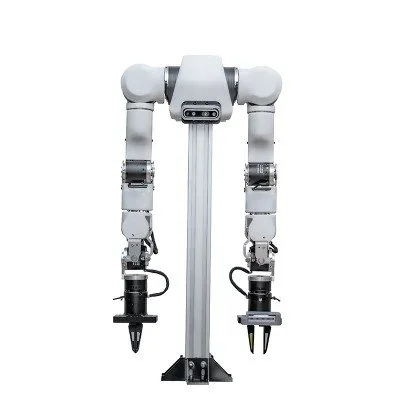
- Robot arms
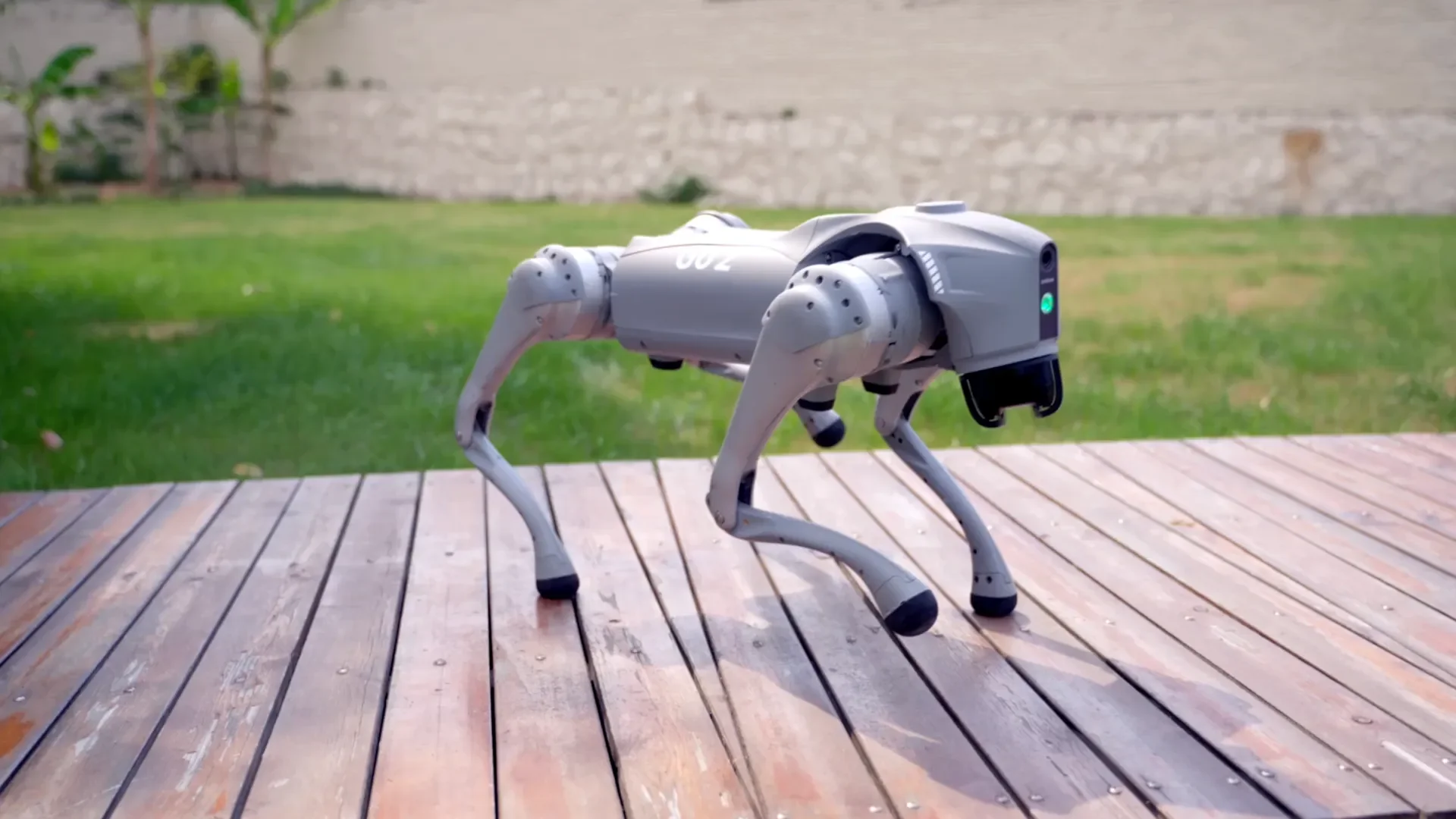
- Quadrupeds, including inspection and patrol use
- Humanoids
- Industry solutions: warehouses, manufacturing, healthcare, education, restaurants, hotels and semiconductor
Budget for it
Safety work, integration, training, maintenance and downtime are real costs, often larger than the robot. Robot total cost of ownership shows how to budget for them. For help planning a specific deployment, contact our team or see custom robot integration.