






Stack Cohesion
Tools are organized around practical training and deployment workflows.

Open-source software for training, simulation, and data. RoboMimic, LeRobot, Isaac Sim, MuJoCo, and more.
Core frameworks for imitation learning and policy iteration workflows.
CollectionSimulators and benchmark environments for controlled evaluation.
CollectionStandardization and tooling for scalable robot data pipelines.
6 tools match current filters.

Imitation learning framework. BC, DAgger, HBC. MimicGen for data augmentation. MIT. Simulation + real.
View tool →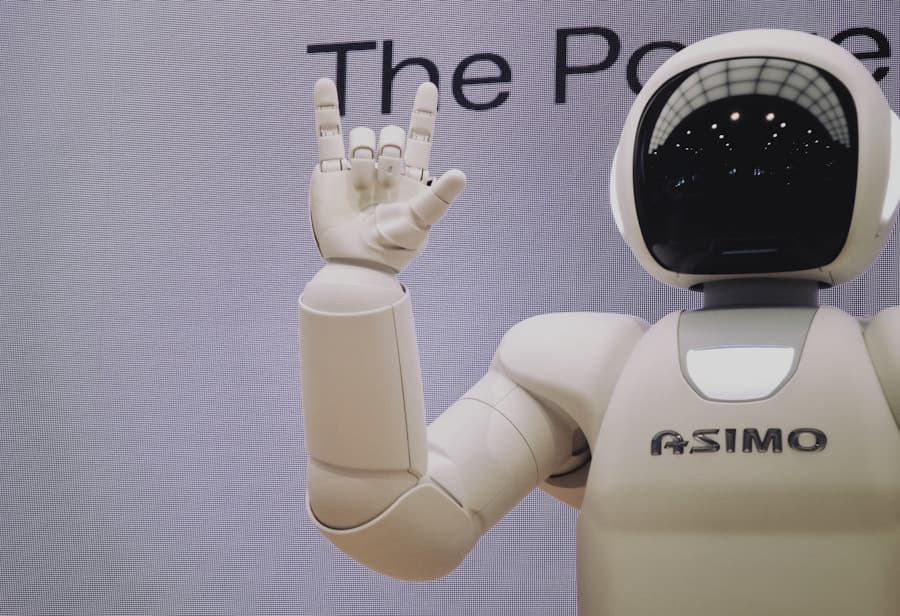
End-to-end IL/RL. ACT, SmolVLA. Datasets, training, deployment. PyTorch, Hugging Face Hub.
View tool →
Robot Learning Dataset format. TFDS, episode structure. Open X-Embodiment standard.
View tool →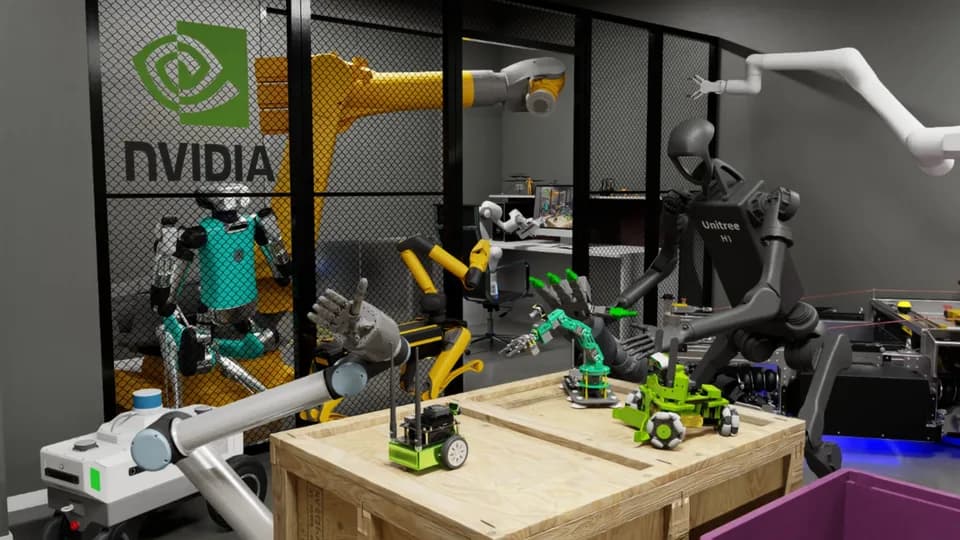
Physics simulation, synthetic data, domain randomization. GPU-accelerated. Omniverse.
View tool →
Physics engine. Fast, accurate. RoboSuite, Gymnasium. Free, open source.
View tool →
Modular simulation. MuJoCo-based. LIBERO, MetaWorld. Manipulation benchmarks.
View tool →Recommendations based on selected tool category.
Tools are organized around practical training and deployment workflows.
Move from simulation to real-world validation with fewer integration gaps.
Data formats and frameworks are linked to compatible model ecosystems.
Path from open-source prototyping to robust field deployment.
We provide data, evaluation, and integration support.
These tools get a policy trained; our loop puts it on a real robot and scores it.